
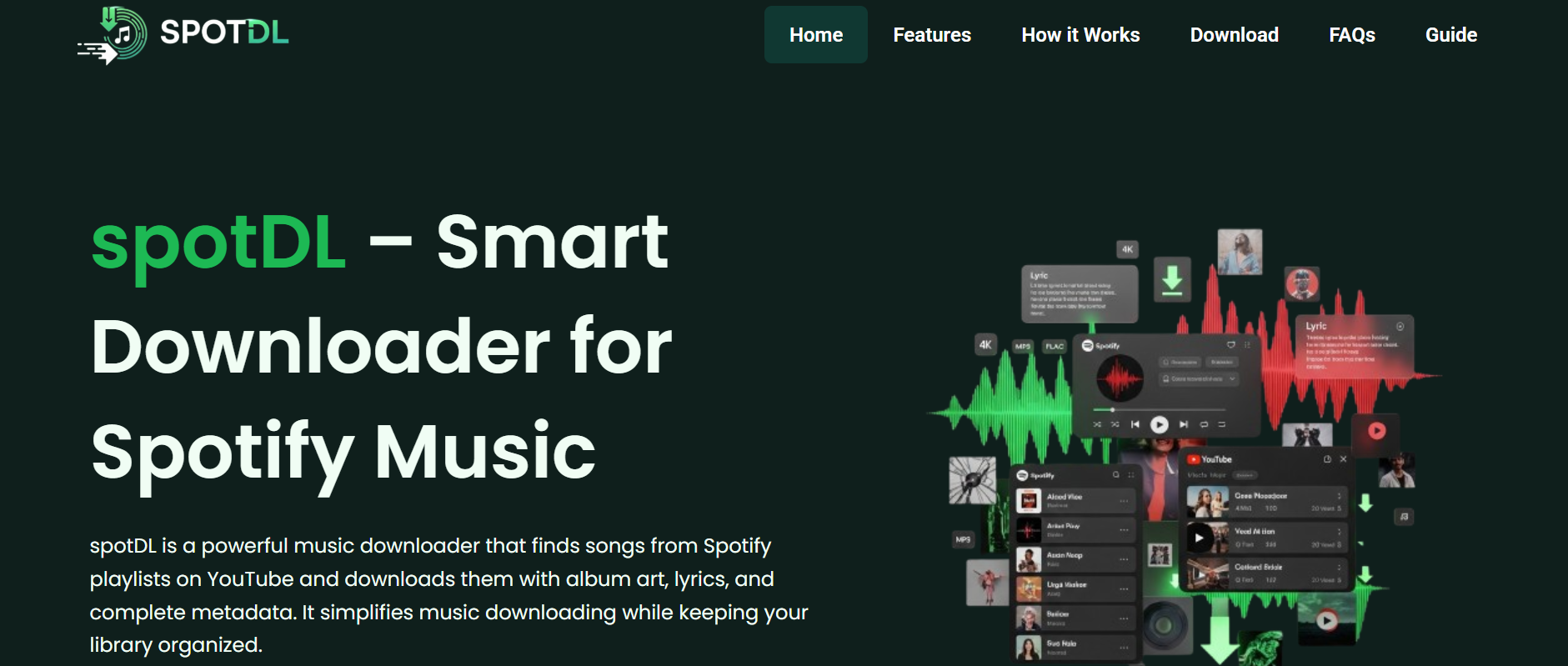
Music streaming has become one of the most popular ways to listen to songs online. Platforms like Spotify allow users to access millions of tracks instantly through internet streaming. However, many users also look for ways to download music for offline listening, backup purposes, or personal music libraries. This is where SpotDL becomes popular among music enthusiasts.
SpotDL is an open-source music downloading tool designed to download songs by using Spotify track information and matching audio from online sources. Instead of directly ripping music from Spotify servers, SpotDL identifies songs from Spotify playlists, albums, or links and then downloads matching audio from other supported platforms such as YouTube. This approach allows users to organize music collections while preserving song metadata like titles, artists, and album information.
What Is SpotDL?
SpotDL is a command-line-based application that helps users download music tracks by using Spotify URLs. The software became popular because it combines Spotify’s powerful music database with downloadable audio sources available online.
The tool is open-source, meaning developers and users can view, modify, and improve its source code. SpotDL is commonly used by people who want local copies of songs for offline listening without manually searching and downloading every track individually.
How SpotDL Works
SpotDL works differently from traditional music downloaders. It does not directly copy music from Spotify because Spotify streams encrypted audio protected by digital rights management systems. Instead, SpotDL extracts track information from Spotify links and searches for matching audio on platforms like YouTube.
Once the software finds the closest audio match, it downloads the file and automatically applies metadata such as song title, artist name, album artwork, and track number. This process creates organized music files that resemble properly tagged music library collections.
Using Spotify Metadata
One of the strongest features of SpotDL is its ability to use Spotify metadata. Metadata refers to information attached to music tracks, including artist names, albums, genres, release dates, and cover art.
When users provide a Spotify song, playlist, or album link, SpotDL reads this metadata and uses it to identify the correct audio source online. This helps improve download accuracy and reduces the need for manual file organization afterward.
Audio Matching Process
After retrieving song information from Spotify, SpotDL searches supported audio sources for the best possible match. In many cases, the software compares titles, artists, durations, and other details to locate accurate versions of tracks.
Once the best match is found, the software downloads the audio file and converts it into formats such as MP3. This automatic matching process is one reason why SpotDL became highly popular among users who manage large playlists or music libraries.
Playlist Download Support
Another major advantage of SpotDL is playlist support. Users can download entire Spotify playlists instead of handling songs individually. This saves significant time for people with large music collections.
The software automatically processes each track within the playlist, searches for matching audio, downloads files, and organizes them into folders. This feature is especially useful for users who regularly create playlists for travel, work, studying, or offline entertainment.
Cross-Platform Compatibility
SpotDL works on multiple operating systems, including Windows, macOS, and Linux. Because it is built using Python, the software can run across different platforms with relatively simple setup procedures.
This cross-platform support makes SpotDL accessible to a wide range of users. Developers, Linux users, and advanced computer users especially appreciate its flexibility and compatibility with different systems.
Command-Line Interface
SpotDL primarily operates through a command-line interface rather than a traditional graphical user interface. Users enter commands into a terminal or command prompt to download songs, albums, or playlists.
Although command-line tools may appear difficult for beginners at first, many users appreciate the speed and automation they provide. Once users learn basic commands, downloading music libraries becomes much faster and more efficient.
Metadata and File Organization
One feature that makes SpotDL stand out is its automatic file organization. The software can create folders by artist or album while applying proper file names and metadata tags automatically.
This helps users maintain clean music libraries without manually editing every downloaded file. Album artwork and track details are often added automatically, making downloaded music collections appear professionally organized inside music players.
Open-Source Community Support
Because SpotDL is open-source, it benefits from contributions made by developers worldwide. Users can report bugs, suggest improvements, or contribute new features through online development communities.
Open-source software often gains popularity because it allows transparency and flexibility. Many users trust open-source applications more because the code can be inspected publicly instead of remaining hidden inside proprietary software.
Is SpotDL Legal?
The legality of using SpotDL depends on local copyright laws and how the software is used. SpotDL itself does not host copyrighted music files or directly bypass Spotify’s encryption systems.
However, downloading copyrighted music without proper authorization may violate copyright laws or platform terms of service in certain regions. Users should always understand local regulations and respect copyright protections when using music downloading tools.
Advantages of SpotDL
SpotDL offers several advantages for users who want organized offline music collections. It automates playlist downloads, preserves metadata, supports multiple platforms, and simplifies music management through automation.
The software is also lightweight and flexible compared to many graphical downloading tools. Advanced users especially appreciate its command-line efficiency and customization options for managing large music libraries.
Some Limitations
Although SpotDL is powerful, it also has some limitations. Since it relies on external audio sources like YouTube, audio quality may vary depending on the available source material.
The software also requires some technical understanding, especially during installation and command-line usage. Beginners unfamiliar with terminal commands may need time to learn the setup and workflow process properly.
Conclusion
SpotDL is an open-source music downloading tool that uses Spotify track information to locate and download matching audio from online sources. By combining Spotify metadata with automated downloading and file organization, SpotDL allows users to create organized offline music libraries efficiently.
Its playlist support, metadata handling, cross-platform compatibility, and automation features have made it popular among music enthusiasts and advanced users. While users should remain aware of copyright considerations, SpotDL continues to stand out as a flexible and practical tool for managing downloadable music collections.